
Contacts
One record per person, matched across every channel, with stages, tags and notes.
The Contacts page is everyone who has ever talked to your agents — one row per person, not per form submission.
That distinction is the point. Someone who emails you on Monday, uses the chat on your website on Tuesday and phones on Wednesday is one customer, and Kelma joins those up automatically:
- Phone numbers match across WhatsApp, SMS and calls, in any format.
- Email addresses match a form submission to a later email conversation.
- The browser matches a returning visitor who has not given any details yet.
Kelma never guesses. A phone number written without a country code (99123456) could belong to anyone in the world, so it is left alone rather than merged into the wrong person. Two people are never joined because they share a name.
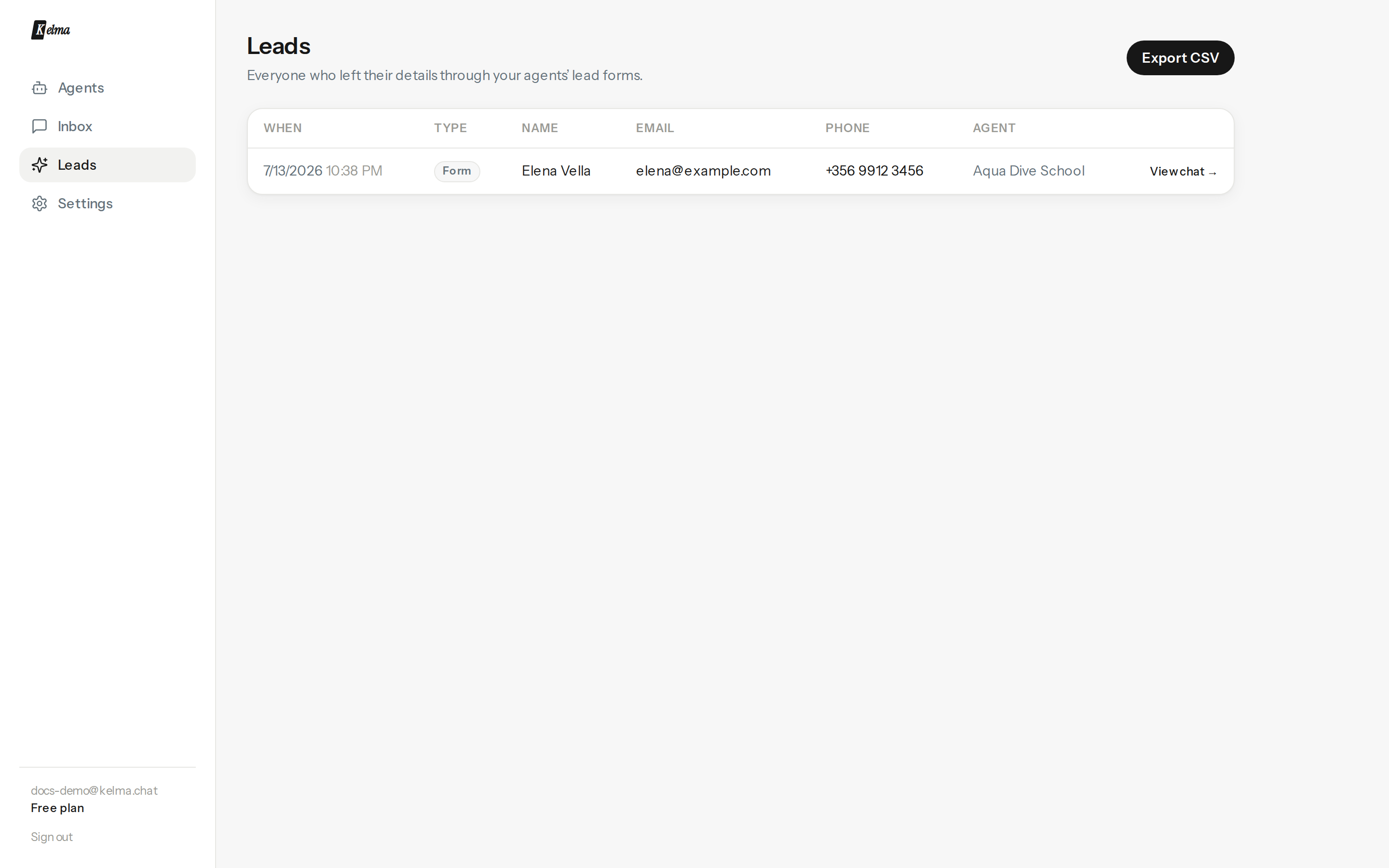
What you can do here
- See everything about a person — every conversation on every channel, the details they gave, and when they last spoke to you.
- Set a stage — New, Engaged, Qualified, Customer or Lost. Anyone who leaves their details moves to Engaged automatically.
- Tag people — "vip", "wholesale", "no-show". Filter the list by any tag.
- Write notes — anything worth remembering. Notes written by the agent are labelled as such, so you always know what came from a model.
- Export CSV — every captured detail, with columns that adapt to your form.
Contacts flow out automatically
You don't have to work this page at all if you don't want to — it's your backstop, not your only copy. Connect any of these and leads arrive there the moment they're captured:
- A CRM (HubSpot or Pipedrive) — deduped by email, with the conversation as a note. See Integrations.
- An Event webhook with New lead captured ticked — pushes each lead as JSON to Zapier, Make or your own API. See API & Zapier.
- Email notifications — a copy of every lead to any address (per-event, on the agent's Integrations tab).
Where contacts come from
A contact is created the first time someone talks to any of your agents, on any channel — no setup needed. To collect names and email addresses as well, turn on lead capture on the agent's General tab and choose when the form appears — before the chat, after the first reply, after a few messages, or only when the agent judges it's relevant. Add up to six fields. The agent also captures contacts through the callback and human handoff tools when a visitor asks for a call or a person.